Free to try · No card needed
Turn any photo into a tattoo Stencil
Upload a photo, sketch or reference and Inkline traces it into clean, printable stencil lines. Adjust the line weight and detail, then print it at the exact size you need.
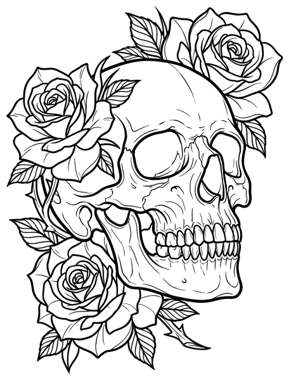
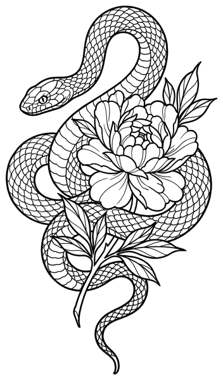
Upload a photo, sketch or reference and Inkline traces it into clean, printable stencil lines. Adjust the line weight and detail, then print it at the exact size you need.
Take a photo, upload a reference or start from one of your drawings.
Choose outline or detailed lines, then set thickness, detail and contrast with simple sliders.
Print at true size on a thermal printer, save a PDF, or send it to a client.
Tracing runs right in your browser, so it’s fast and doesn’t use AI credits.
Messy photo? Let AI redraw it as clean line work. Each redraw uses 1 credit.
Set the size in inches or centimeters and it prints exactly that size.
See the stencil in transfer purple before you print.
Big controls, Apple Pencil support, and it works on computers and other tablets too.
Save stencils to a client so the design, notes and stencil stay together.
Open it in your browser right now. No download, no card. Make a free account when you want to save your work.
Open Stencil StudioYes. You can try it free with no account. A free account lets you save your work. The free plan includes 30 AI credits in your first month, then 10 a month, for things like AI redraws.
Yes. Export at true size and print from your iPad or computer to a thermal stencil printer, or print on regular paper and use a transfer machine.
Clear photos with good contrast work best. For busy or low-light photos, use the AI redraw to get clean lines.
No. Inkline runs in your web browser. On iPad you can add it to your home screen so it opens like an app.