Free to try · No card needed
Plan the whole Sleeve
Place designs on an arm, leg, back or chest and see how they flow together. Designs bend with the body, and AI can fill the space between them.
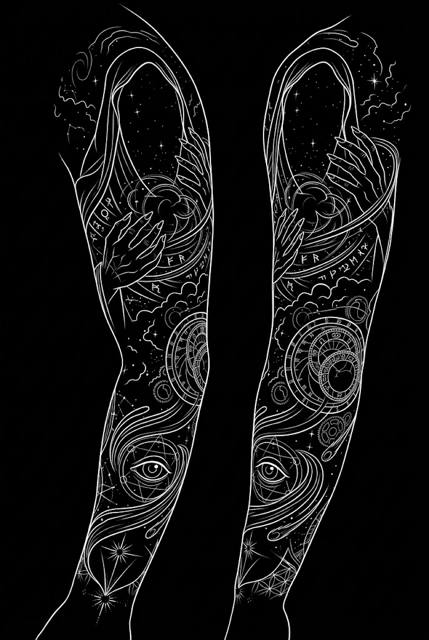
Place designs on an arm, leg, back or chest and see how they flow together. Designs bend with the body, and AI can fill the space between them.
Arm, leg, back, chest or neck.
Move, scale and bend each piece around the body.
Let AI fill the background so the sleeve flows.
Bend designs, wrap them around the arm, or make them follow a flow line.
Enter the client’s measurements and every design shows at its real size.
Fill the space between pieces so the sleeve flows. Uses 2 credits.
Open it in your browser right now. No download, no card. Make a free account when you want to save your work.
Open Sleeve BuilderYes. Plan half sleeves, full sleeves, leg sleeves, back pieces and more.
Yes, each fill uses 2 AI credits. Placing and bending designs is free.