Free to try · No card needed
Plan a cover-up Before you start
Take a photo of the old tattoo, place a new design over it and see how well it hides. Inkline shows what’s still showing so you can adjust before the client sits down.
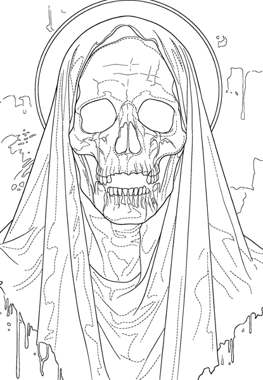
Take a photo of the old tattoo, place a new design over it and see how well it hides. Inkline shows what’s still showing so you can adjust before the client sits down.
Straight on, in good light.
Move, scale and bend it over the old piece.
See which parts still show, then preview how it heals and ages.
Highlights where the old tattoo would still show through.
Show the client how the cover-up looks fresh, healed and years later.
On the Pro plan, AI suggests designs shaped to hide the old tattoo.
Send the preview to the client from their client page.
Open it in your browser right now. No download, no card. Make a free account when you want to save your work.
Open Cover-up StudioPlacing a design and checking coverage can be tried free. The AI cover-up designer and realistic renders are part of the Pro plan.
It’s an estimate to help you and your client talk about how the tattoo will change. It’s not a guarantee.