Free to try · No card needed
See the tattoo on Skin first
Pick the body part and skin tone, place the design at its real size and see how it reads in black ink or color. It helps clients decide before the needle starts.
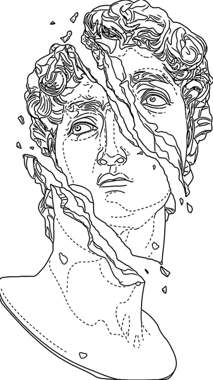
Pick the body part and skin tone, place the design at its real size and see how it reads in black ink or color. It helps clients decide before the needle starts.
Use one of your designs or stencils.
Then tap the body to place the design at its real size.
Save a preview image or save it to the client.
Body parts are real size, so a 4 inch design shows at 4 inches.
Pick the client’s skin tone and see how black ink, stencil and color read.
Turn the forearm and other parts around in 3D.
Save the preview image to the client’s page.
Open it in your browser right now. No download, no card. Make a free account when you want to save your work.
Open Skin previewIt’s a close preview to guide decisions. Real results depend on the skin, the placement and healing.
Yes. You can try it free with no account.